Designing one entertainment experience across mobile and TV
A 3.5-year Deutsche Telekom engagement spanning mobile, tablet, and TV — from redesigning core viewing flows to owning the Apple TV experience from start to finish.
- Role
- Sole Designer → Lead Designer
- Timeline
- 3.5-Year Engagement
- Team
- Product, Engineering, QA, Client Stakeholders
- Platform
- Mobile Tablet TV
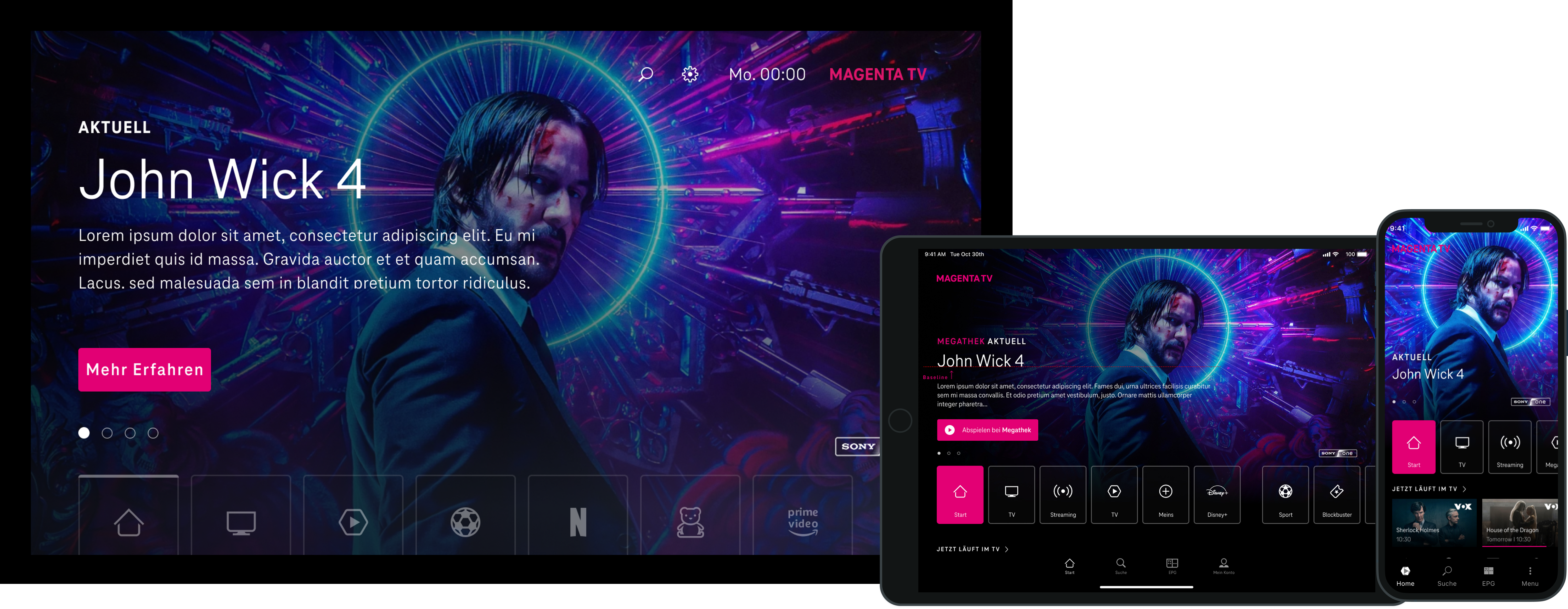
Magenta TV across platforms
Selected product views from Magenta TV across phone, tablet, and living-room screens, including work that extended to Magenta TV Stick.
Context
Magenta TV supported live TV, VOD, catch-up, replay, recordings, and network PVR across mobile, tablet, and TV.
Challenge
The challenge was maintaining a coherent product experience across platforms without treating touchscreens and living-room interfaces as the same design problem.
- Multiple viewing modes and ways of returning to content
- Touch, remote control, and different viewing distances
- Long-term delivery where product and technical constraints evolved over time
- Multiple external stakeholders were involved, with different priorities, requirements, and constraints that had to stay aligned as the product evolved
Design response
Establish shared product logic and patterns, then adapt navigation, hierarchy, and interaction to the realities of each platform.
Over the course of the engagement, the work followed a recurring rhythm: align with stakeholders in workshops, turn requirements into flows and wireframes, review concepts with product and technical teams, refine through feedback, and stay close to implementation as constraints evolved.
Role Evolution
Over the 3.5-year engagement, my role evolved from designing core parts of the mobile experience to Design Lead, with increasing ownership of product decisions and overall design direction. I continued working hands-on, shaping flows, resolving details with product and technical stakeholders, and carrying decisions through implementation.
That progression culminated in Apple TV, where I was the sole product designer from initial flows through final UI.
01 — Establishing the mobile experience
Challenge
The mobile experience had to support live TV, on-demand content, catch-up, replay, recordings, and search without making navigation feel fragmented.
Design response
I used wireframes to define the core structure and viewing flows first, then developed the visual design around that product model.
Mobile wireframes

Wireframe image pending
Home
Entry point across live, on-demand, and recommended content.
.png%3Fv%3D3&w=3840&q=95)
Wireframe image pending
Series detail
How episodic content, seasons, and playback actions were structured.

Wireframe image pending
Live detail
Programme context with clear actions for watching or recording.
Mobile UI
Screen image pending
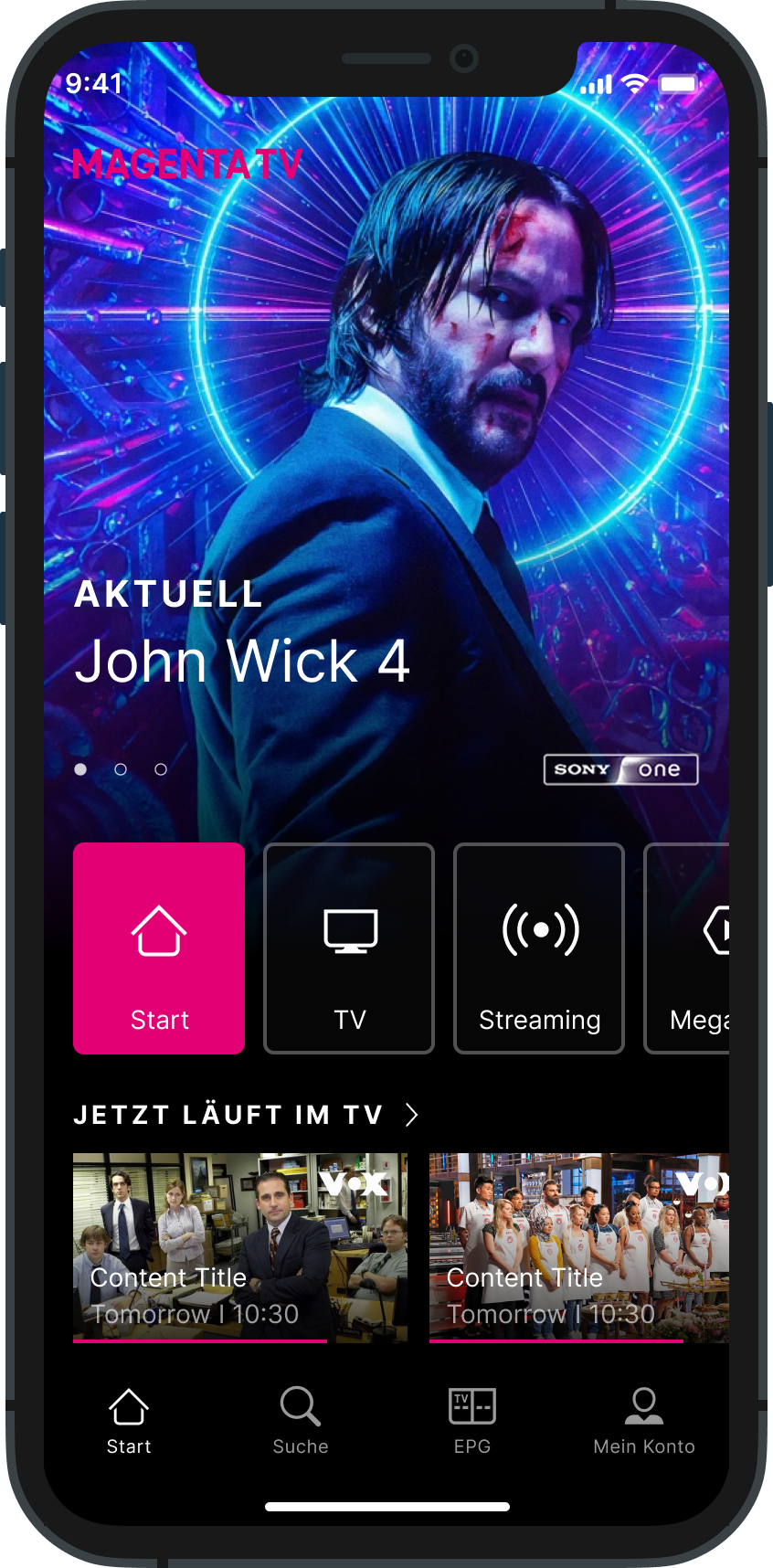
Home / Browse
A personalised starting point for live TV, streaming, and content discovery.
Screen image pending
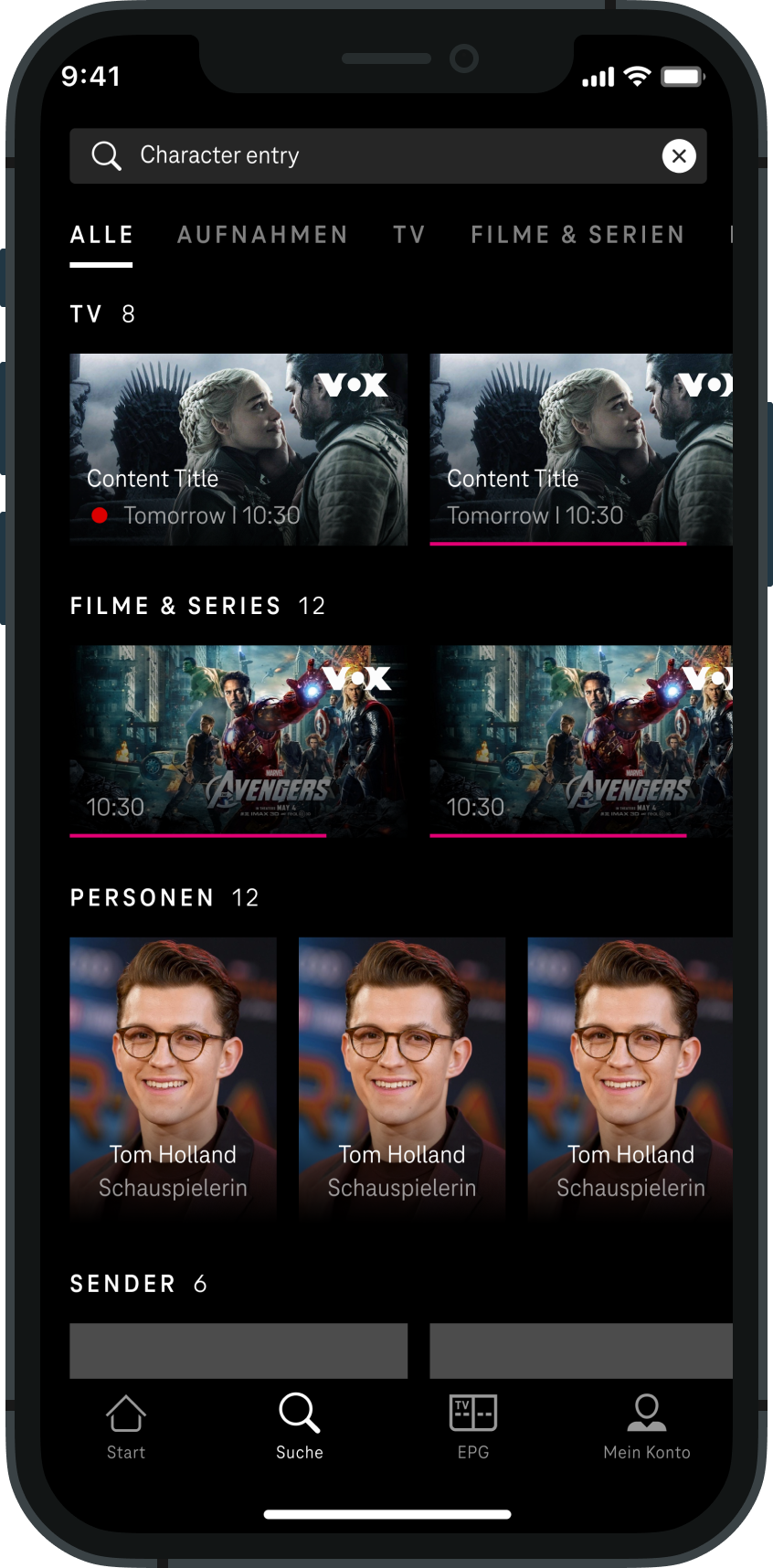
Search / Discovery
Results grouped across live TV, films, series, people, and channels.
Screen image pending
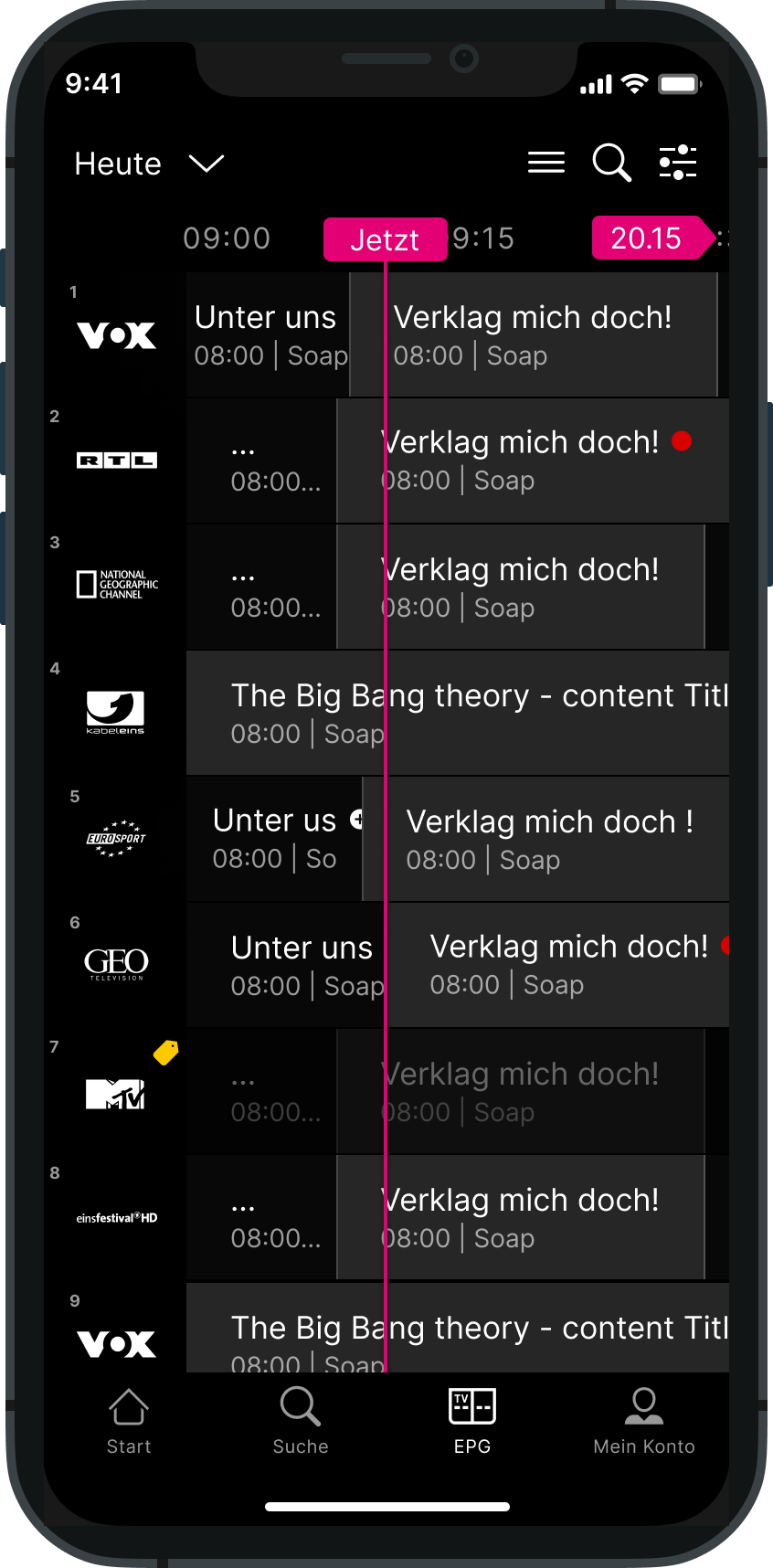
Live TV / EPG
Time-based schedule with channel context and programme navigation.
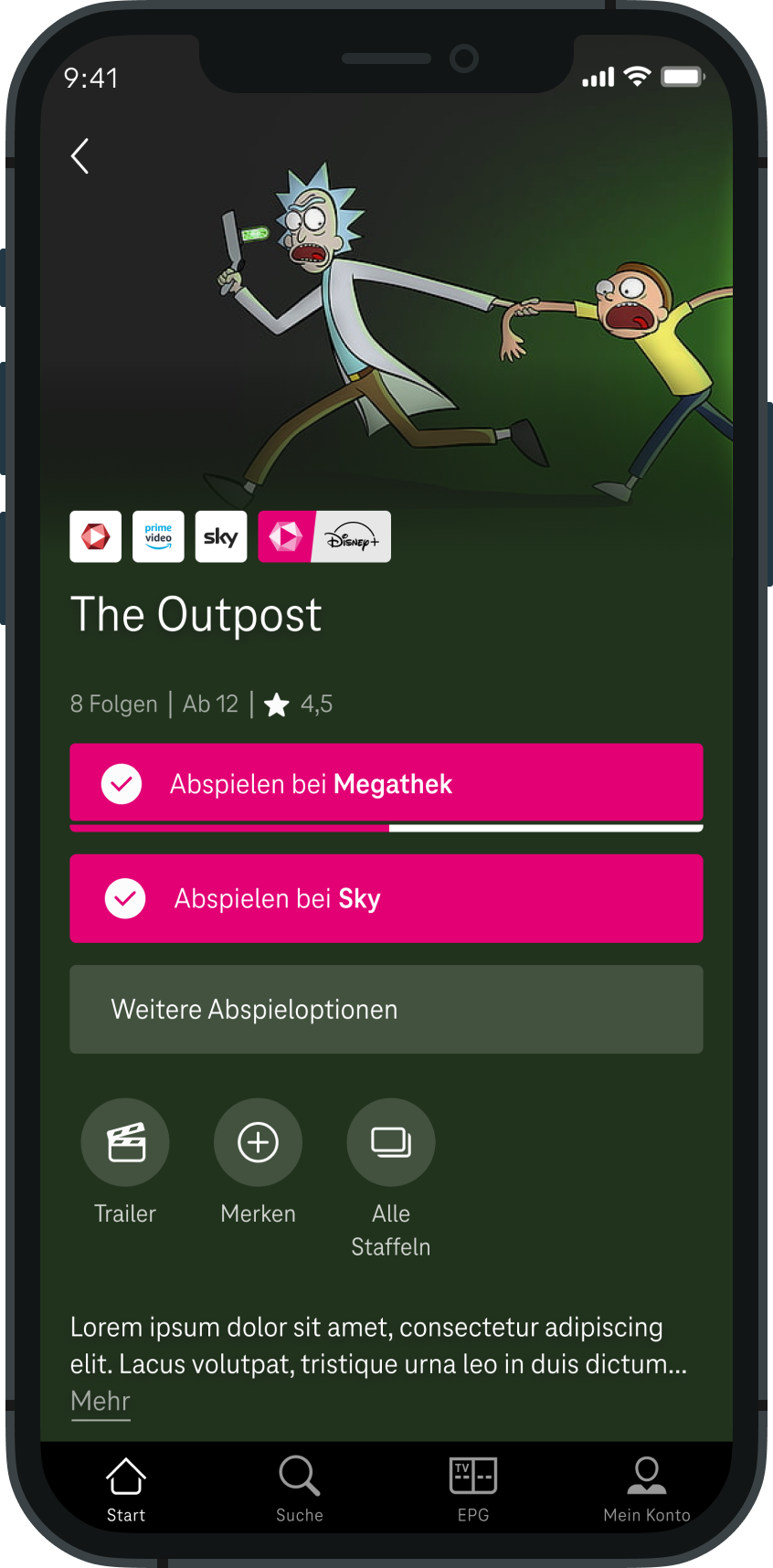
Screen image pending
Series Detail
Provider options, episodes, and primary viewing actions in one place.
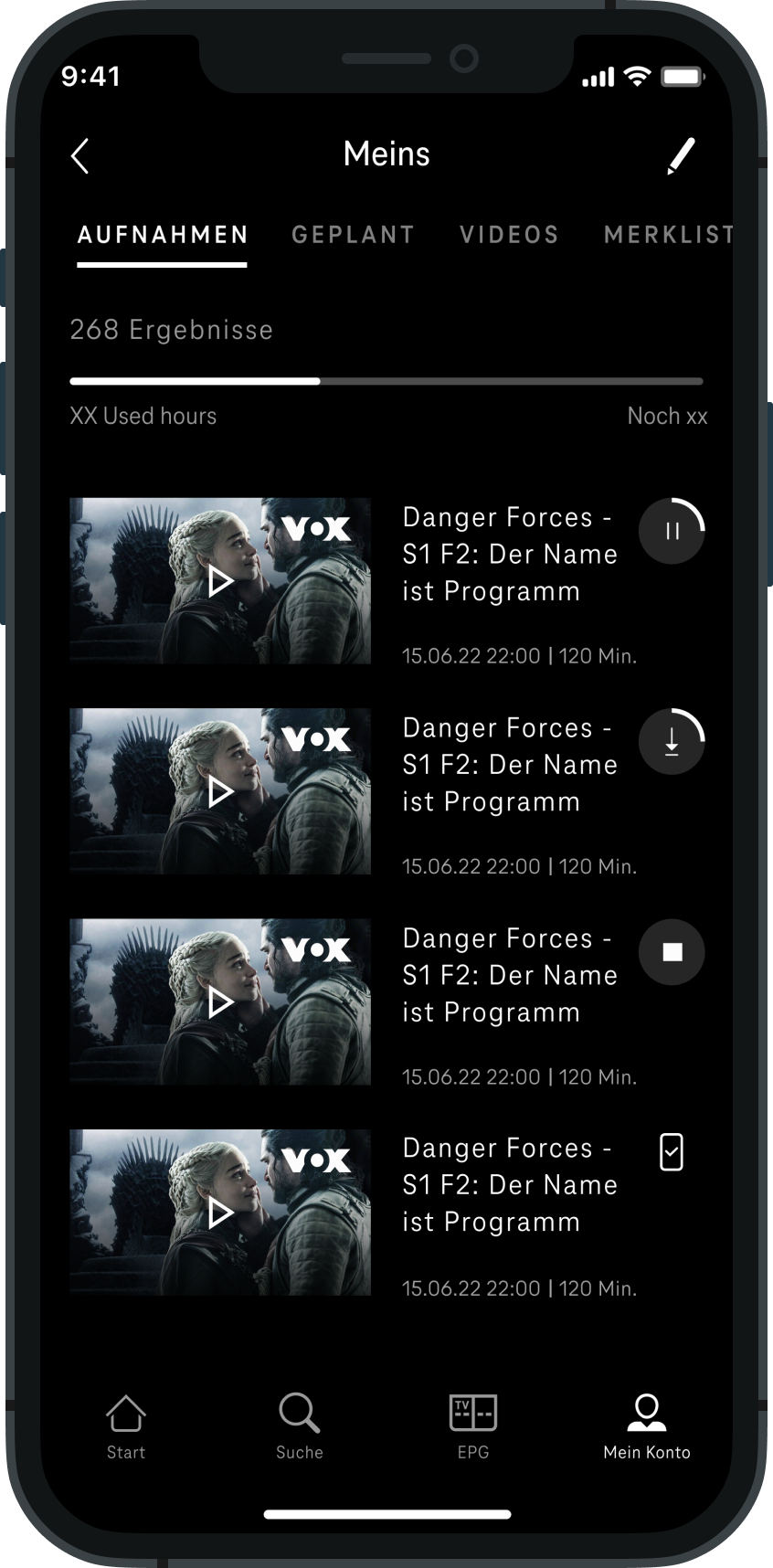
Screen image pending
My Content
A return path for saved, recorded, and in-progress content.
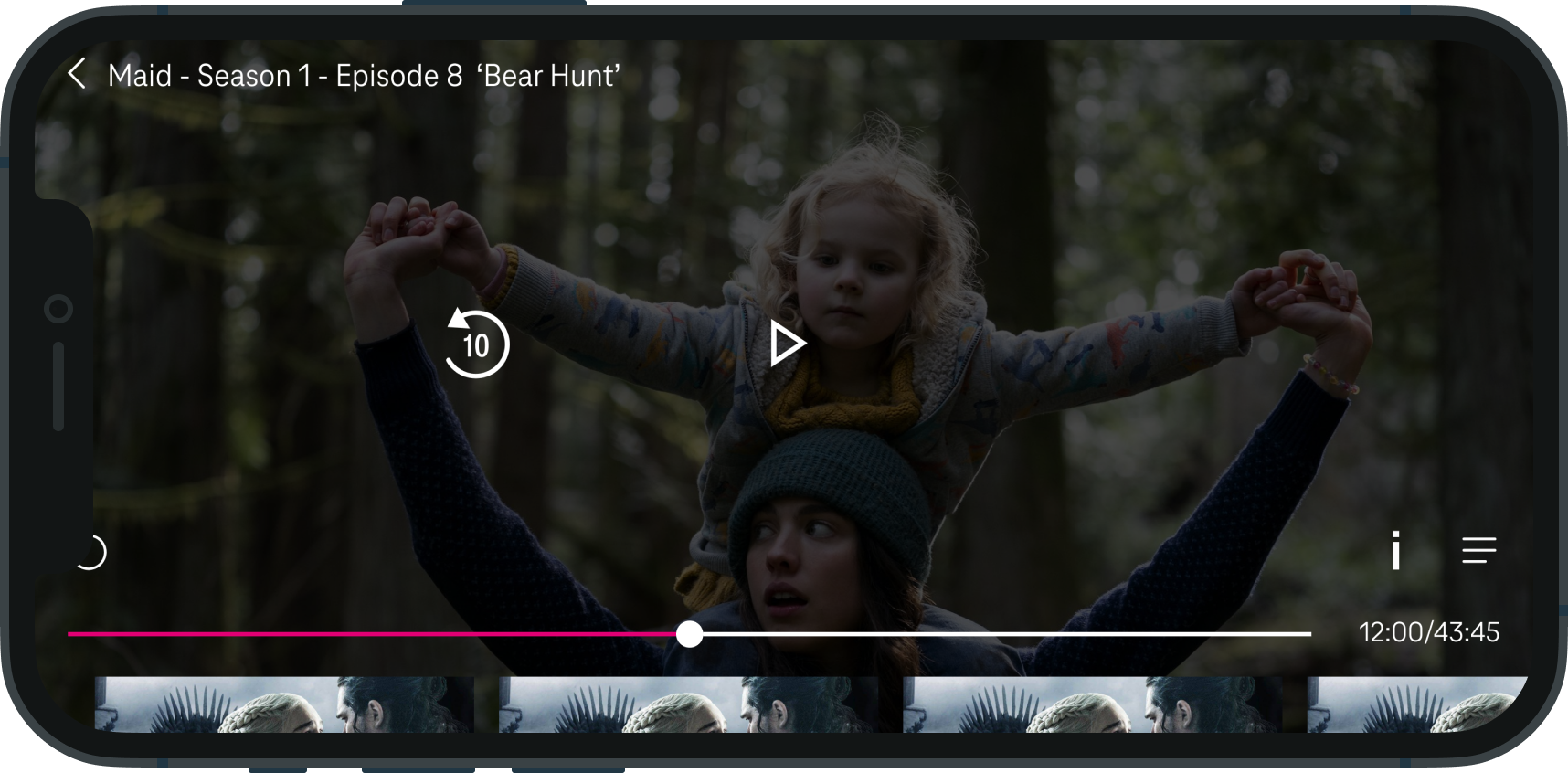
Screen image pending
VOD Playback
Creating a clear hierarchy for playback actions
Challenge
The playback-action hierarchy had been a recurring problem for Deutsche Telekom because Magenta TV brought together content from multiple broadcast partners. A single title could be available from several providers, sometimes as many as four, and each partner needed equal visual prominence.
Those viewing choices also had to coexist with secondary actions such as trailers, favourites, additional episodes, and further playback options. The challenge was to create a hierarchy that made the primary task, choosing where to watch, immediately clear without favouring one partner or burying the other actions.
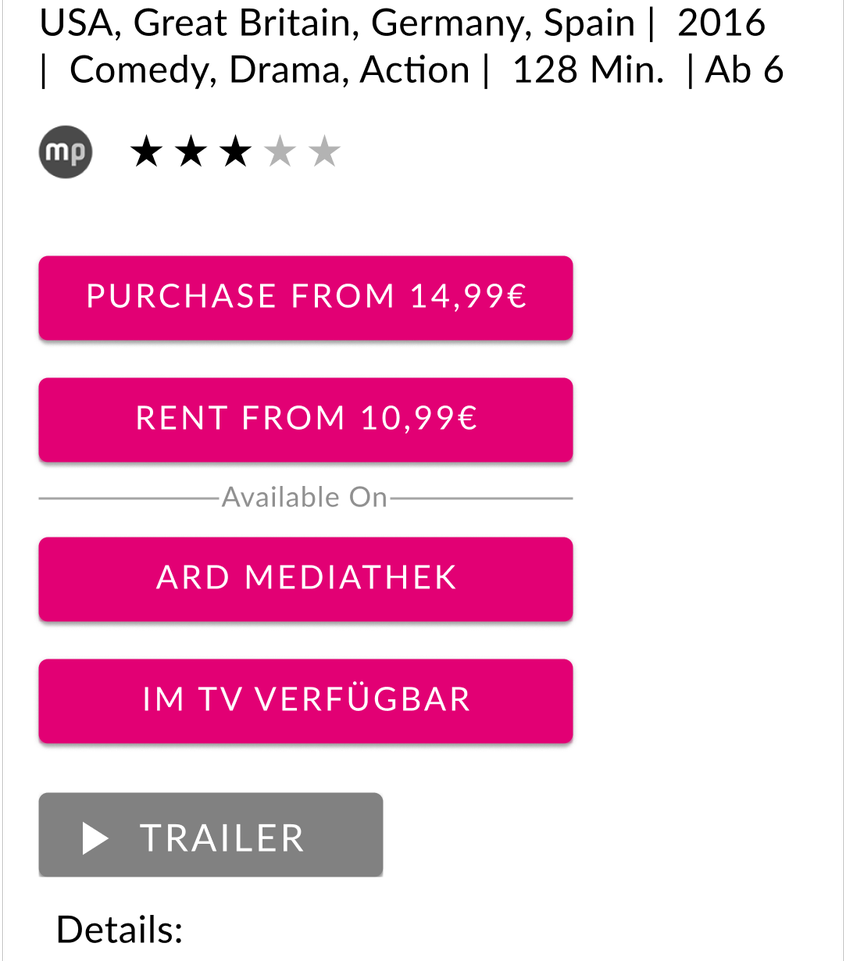
Earlier direction
Partner options and secondary actions appeared together in a long stack of rectangular CTAs.
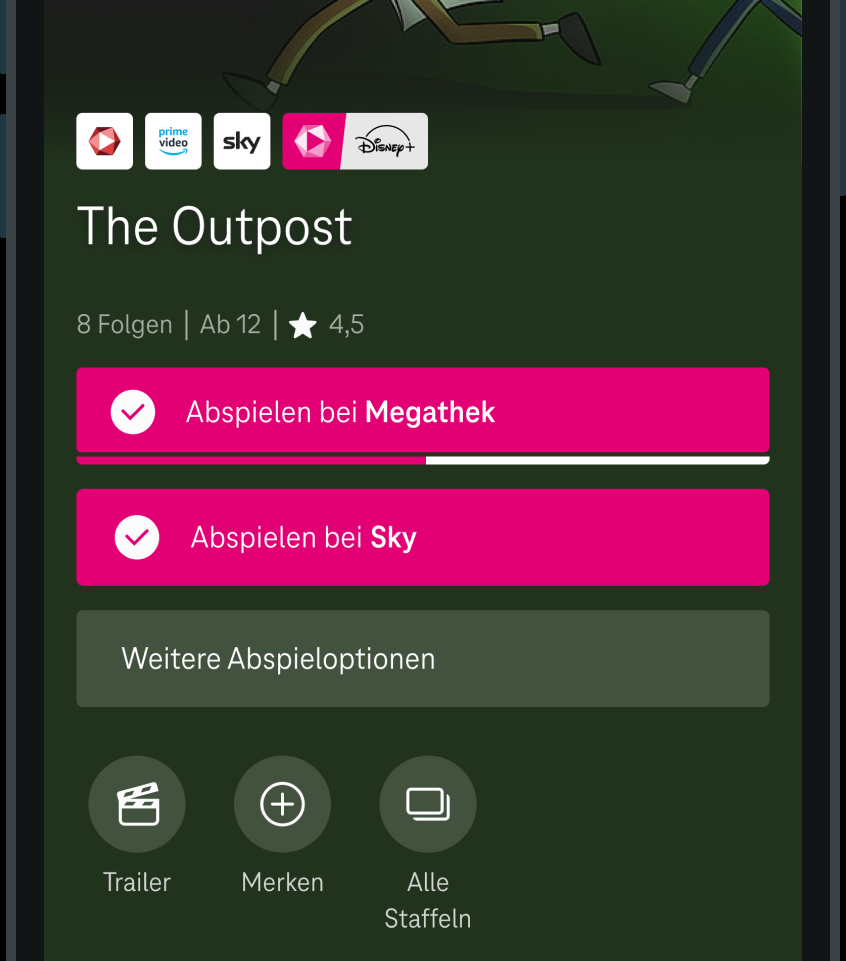
Shipped direction
Broadcast partners became equal-weight rectangular primary CTAs, while secondary actions were separated into circular controls.
Design decision
Separate ‘where to watch’ from ‘what else can I do?’
During a workshop at Deutsche Telekom headquarters, I live-sketched different approaches with the Deutsche Telekom team to work through differing views on the hierarchy. We landed on equal-weight rectangular CTAs for broadcast partners and circular controls for secondary actions, with additional playback choices behind a separate action.
Outcome
The pattern shipped in the mobile experience and became the production solution for separating partner viewing choices from secondary actions.
Validation
The layout was later included in Deutsche Telekom’s user testing.
02 — Adapting the experience for TV
I was the sole product designer for the Apple TV experience from initial flows through final UI.
Challenge
Moving Magenta TV into the living room meant adapting an established product model to remote navigation, viewing distance, focus states, and TV-specific platform constraints.
Design response
I kept the core Magenta TV experience recognisable while rethinking navigation, hierarchy, and interaction for a TV-first context.
Alternative direction
I explored a more ambitious EPG concept with stronger hierarchy and readability. It did not ship due to delivery timing constraints.

Home
TV-first browsing experience adapted for remote navigation, viewing distance, and content discovery.

Movie detail
Content detail screen adapted for TV viewing, with metadata, key actions, and supporting information.

Production EPG
The live TV guide that shipped in the Apple TV app.

EPG concept
Explored stronger hierarchy and readability for programme discovery on Apple TV.
Client feedback
“I got a message from some of our internal OTT colleagues stating that the Apple TV client is by far the best Magenta TV client so far. The design, performance, usability, everything is just great.”
Outcome
Following the early success of the project, Deutsche Telekom extended the engagement into a 3.5-year collaboration. Over that time, the work expanded from mobile into TV, while my role evolved from designing core parts of the mobile experience to Design Lead and sole ownership of the Apple TV experience.
The long-term challenge was not making every platform identical. It was keeping the product logic coherent while allowing each device, input method, and viewing context to shape the experience. The work shipped across multiple platforms, not just as concepts.
3.5 years
Long-term DT engagement
Contract extended
Early success led to a longer collaboration
Mobile + TV
Scope expanded across platforms
User feedback
Positive customer feedback after launch
Other cases
Read more of my case studies
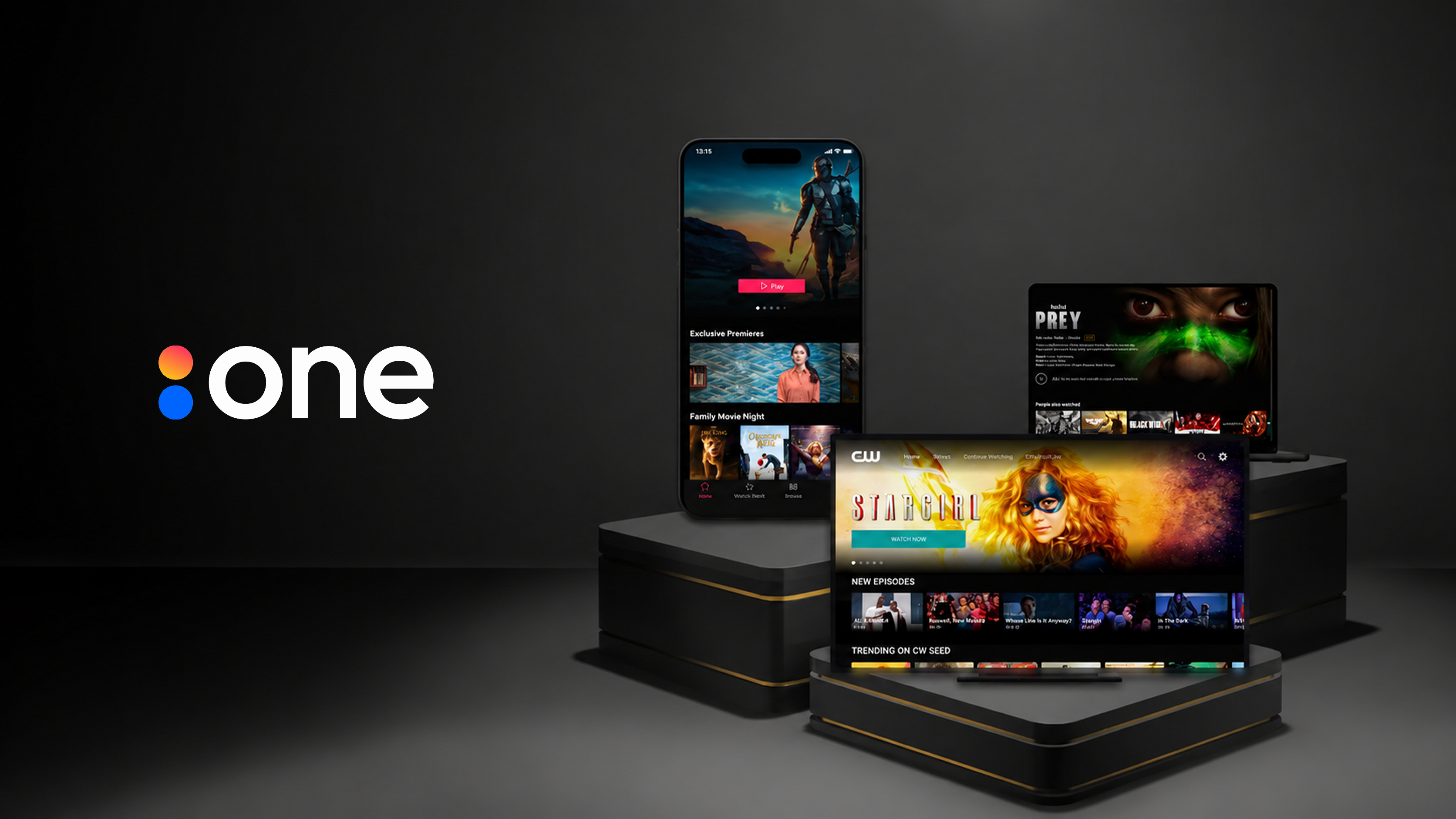
Accedo One
Improving workflows across Accedo One, a customer-facing streaming platform used to create, configure, and manage apps across mobile, web, and TV.
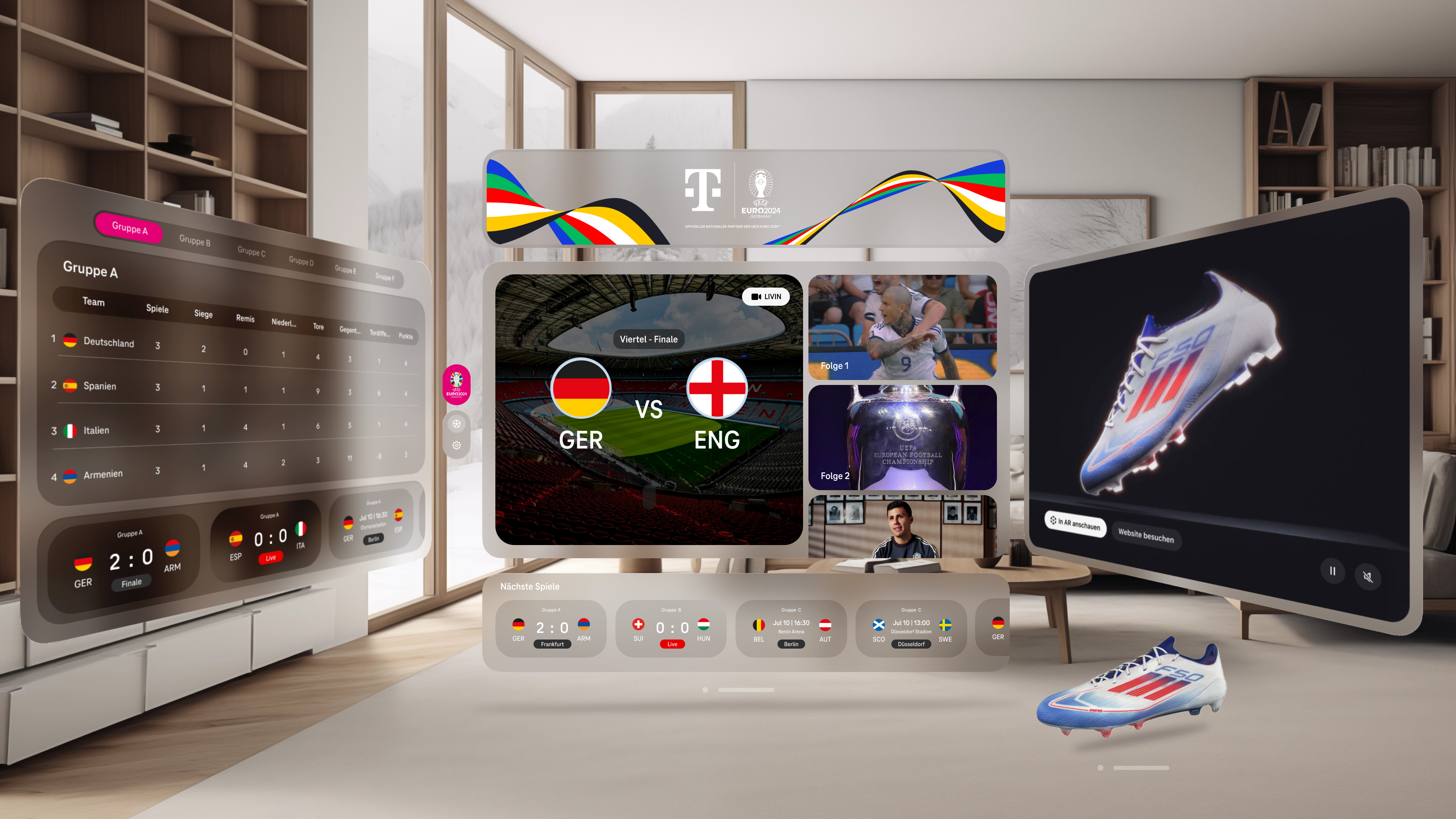
Deutsche Telekom - Virtual Reality Sports
A working live-sports XR experience for UEFA EURO 2024, designed across Meta Quest 3 and Apple Vision Pro in roughly three months.
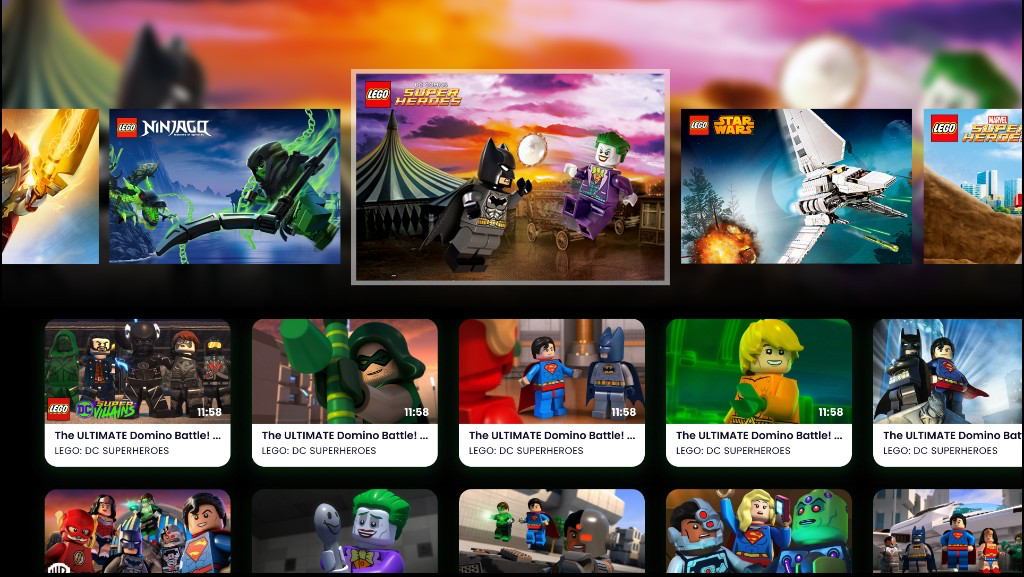
LEGO TV
Sole designer for a child-friendly Smart TV product, leading discovery, UX/UI design, and usability testing with children to simplify navigation and content discovery.