Designing LEGO’s first Smart TV video experience for young fans
Designing a Smart TV video experience for young LEGO fans
- Role
- Sole Product Designer
- Timeline
- 3-Month Delivery
- Team
- 1 Designer, 1 PM, 1–2 Developers, 1 QA
- Platform
- Samsung Smart TV
Context
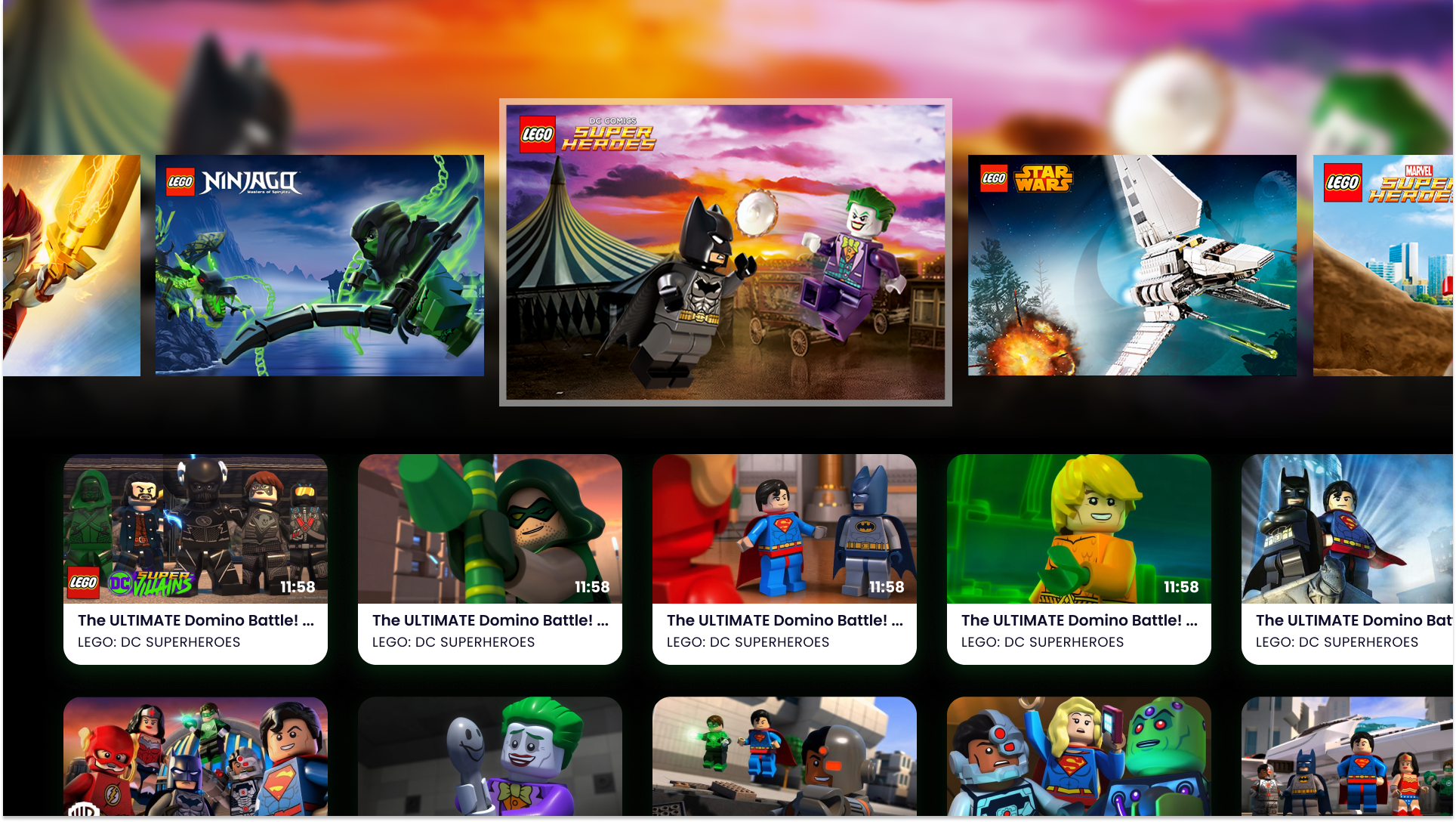
LEGO wanted to explore a Smart TV video experience that let young fans browse themes, playlists, and videos using a TV remote.
Challenge
We had three months to design and validate an experience simple enough for young children to navigate independently, while working within Smart TV interaction constraints and LEGO’s brand guidelines.
- Children aged roughly 6–10 as the primary independent users
- Remote-based navigation without touchscreen interaction patterns
- Discovery, design, development, and usability testing within the same short delivery window
- Maintaining a recognisable LEGO experience
Design response
I worked in short loops with LEGO and the delivery team — aligning on the product direction in a discovery workshop, exploring the interaction model quickly, and testing the experience with children before finalising the design.
Role
I was the sole designer on the project, responsible for discovery, workshop planning and execution, UX/UI design, and usability testing.
I worked closely with the client, PM, developers, and QA throughout the project, moving quickly from discovery into design and validation within a 3-month delivery timeline.
01 — Aligning on the product direction
I planned and facilitated a discovery workshop with LEGO in Billund to turn a broad Smart TV idea into a product direction the small team could realistically deliver.
Through exercises around competitors, success criteria, user needs, and early home screen concepts, we clarified how the app should support children browsing LEGO video content on TV.
A key outcome was narrowing the interaction focus to children aged 6–10, who were more likely to navigate the app independently.
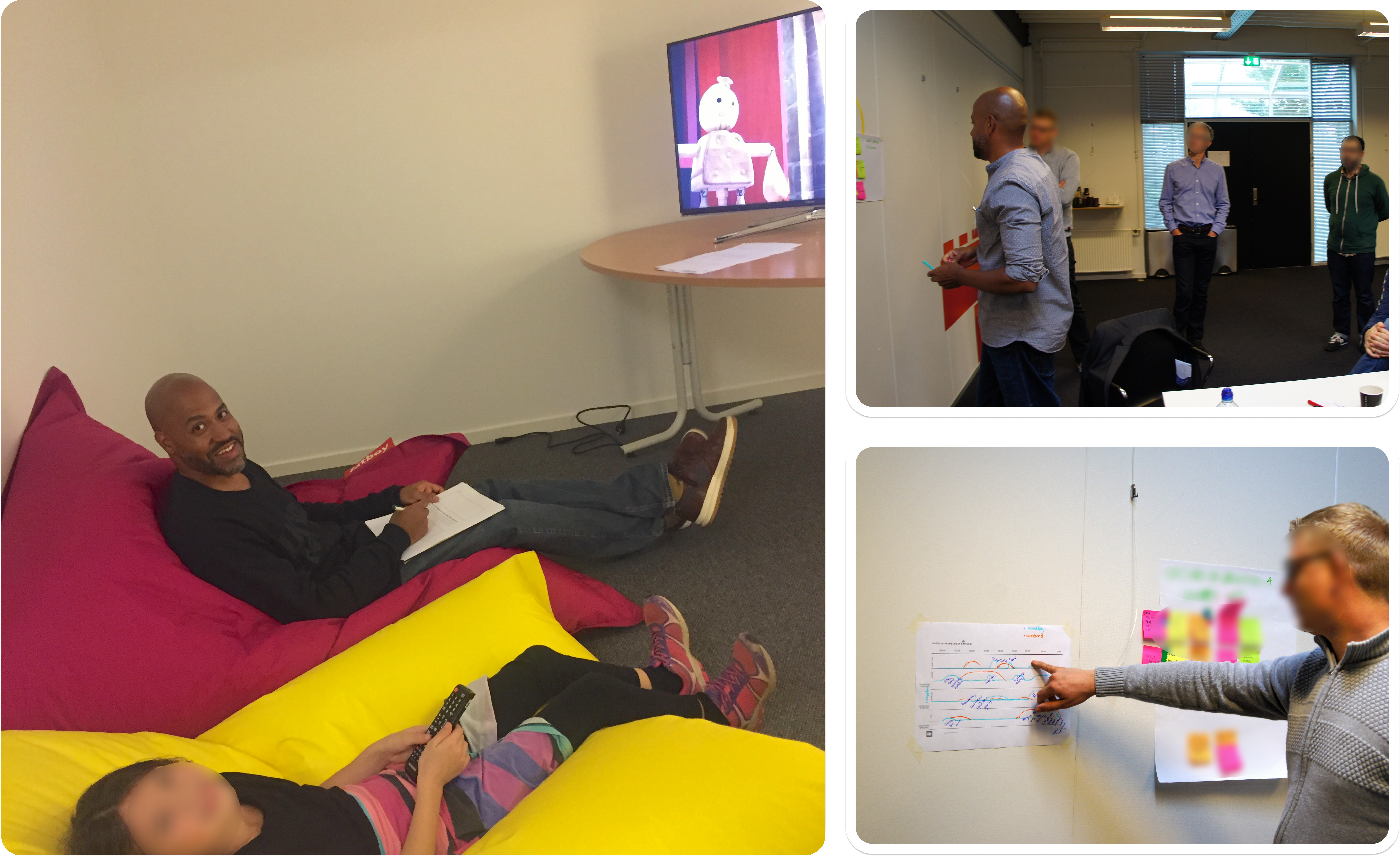
Workshop planning and collaborative exercises helped align the team around a simple TV experience for young LEGO viewers.
02 — Making TV navigation simple for children
Challenge
The experience needed to be understandable to children using a TV remote rather than a touchscreen — making themes, videos, and playback clear without relying on touch-device interaction patterns.
Design response
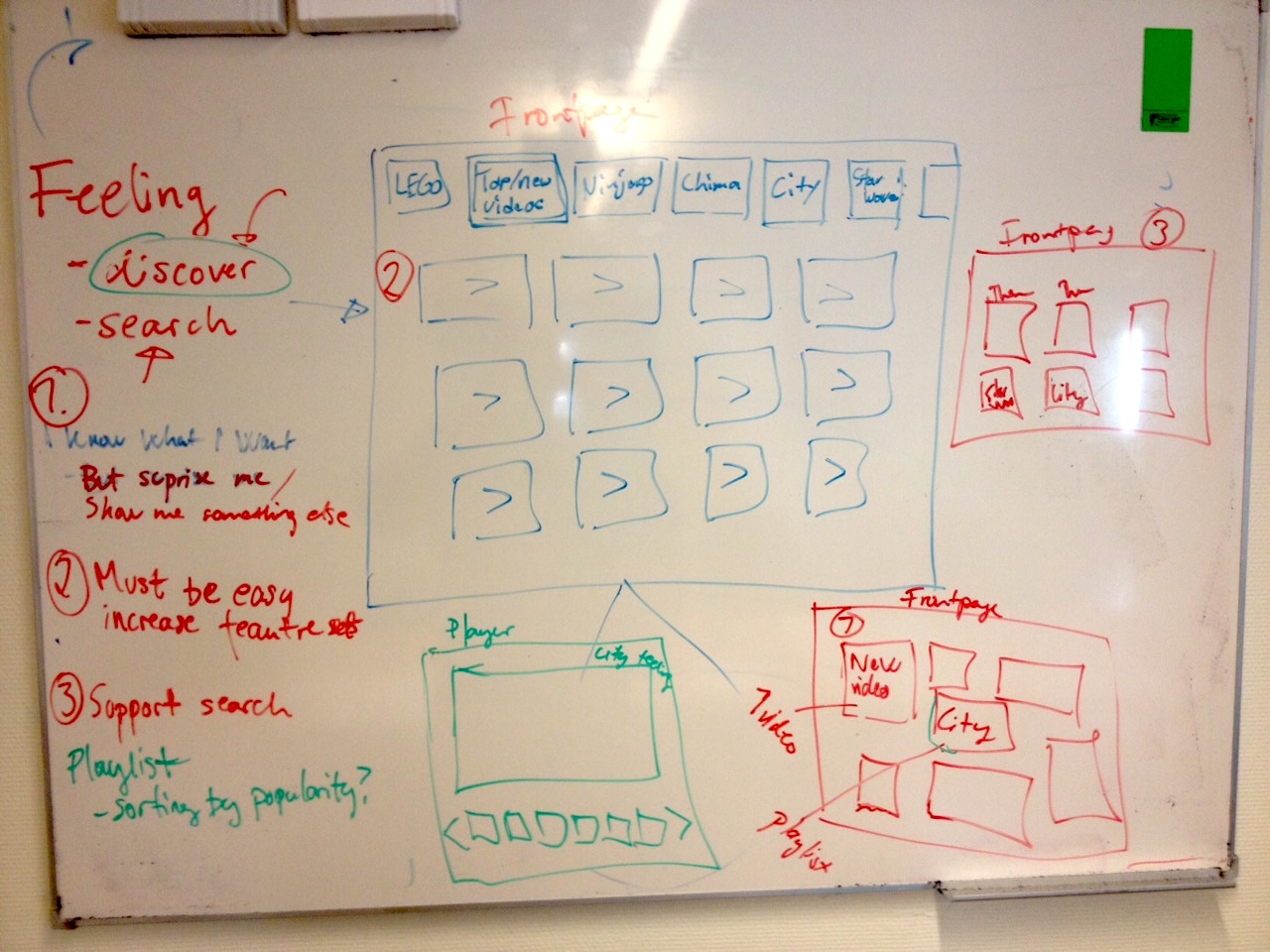
I explored theme-led and content-first layouts in sketches and wireframes before developing the final LEGO visual direction. The delivered model used a visual theme carousel with a clear focus state and directional cues to guide remote navigation, with the selected theme determining which videos appeared below. Early explorations also considered simpler player controls for shorter LEGO videos — distinguishing ideas explored in design from the interaction model carried into the MVP.
Wireframes
1 / 4
Early sketch and concept exploration for LEGO TV wireframes
Early sketch exploring how LEGO themes, visual atmosphere, and content areas could come together in a TV-first browsing experience.
UI Design
1 / 3
Home screen — theme browsing
Theme-based browsing used large LEGO visuals and clear focus states to help children explore familiar worlds with a TV remote.
03 — Testing with young viewers
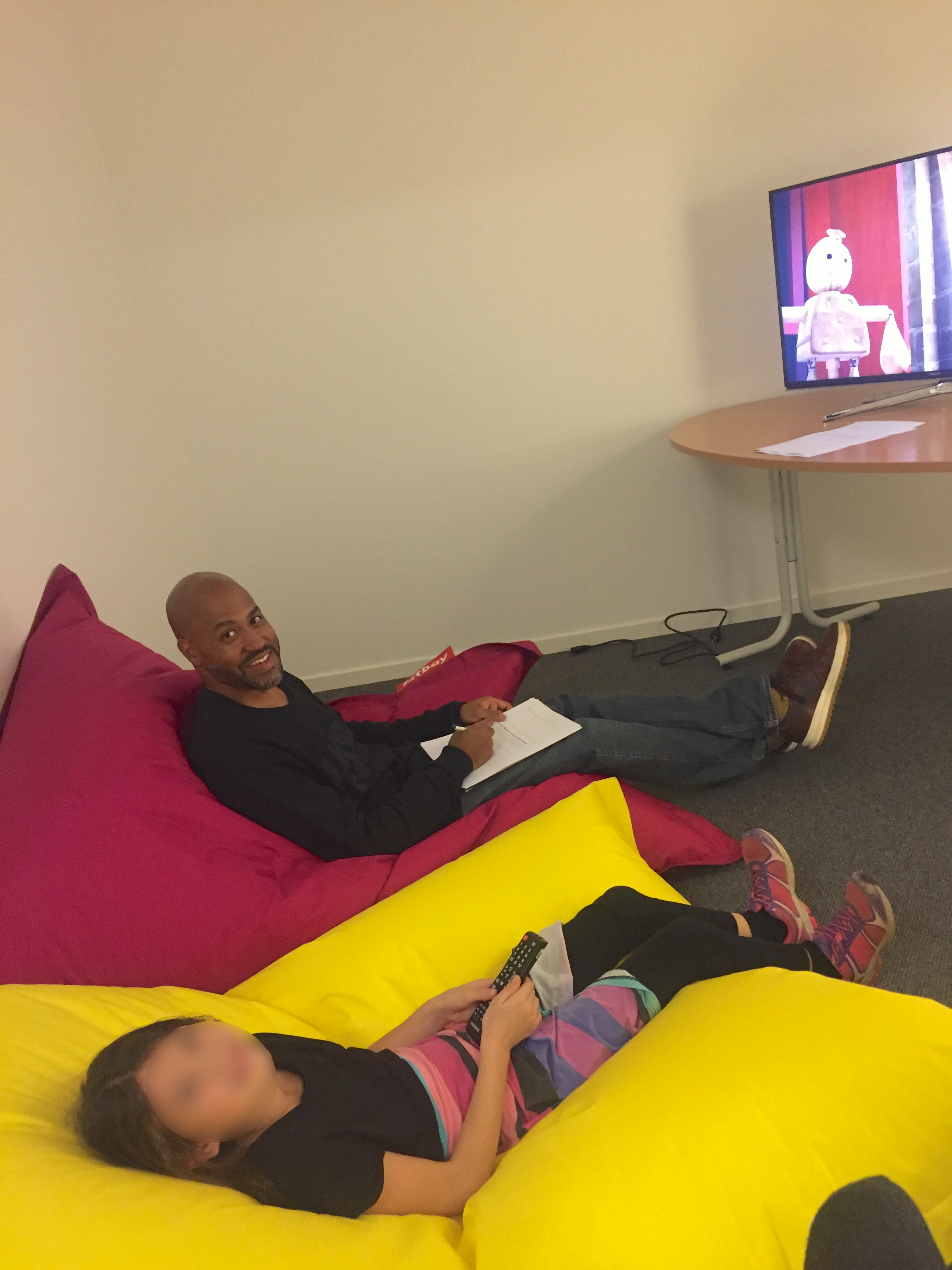
I planned and conducted qualitative usability testing with six children aged 6–10 using the LEGO TV application on a Samsung Smart TV and remote.
The sessions focused on finding LEGO themes, selecting videos, using playback controls, switching videos, and returning to the home screen.
Key findings
- All six children navigated the theme carousel without difficulty.
- Two initially had difficulty navigating down to the playlist but figured it out quickly. Selecting and switching videos presented no significant difficulties.
- All six struggled to exit the video player, revealing that the back-navigation control was unclear.
- All six needed assistance launching the application through Samsung Smart Hub.
Design refinements
- Introduced a clearer close button to address the difficulty exiting the video player.
- Added a now-playing indicator to make the active video easier to identify within the playlist.
Testing outcome
The findings informed design refinements that were incorporated into the functional MVP.
Outcome
A functional LEGO TV MVP was delivered within approximately three months. The experience was very well received by LEGO, who were impressed by both the result and how much the team had achieved in that time.
Although the experience ultimately did not launch due to a change in LEGO's internal direction, the project delivered a working, child-focused Smart TV experience shaped by direct usability testing.
Other cases
Read more of my case studies
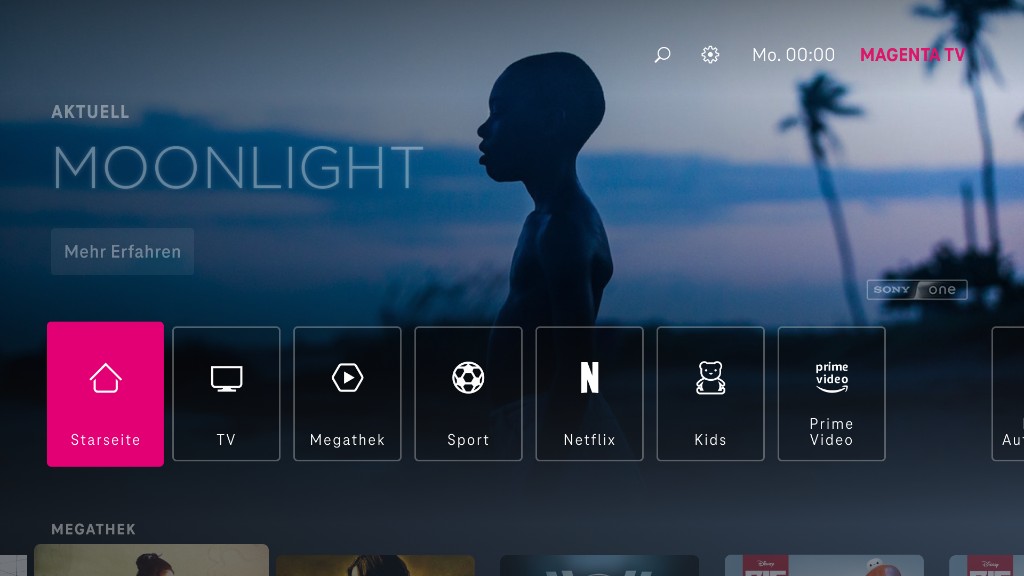
Deutsche Telekom - Magenta TV
Long-term product design across mobile, tablet, and TV, shaping clearer ways to browse, watch, and return to content while adapting shared product logic across devices.
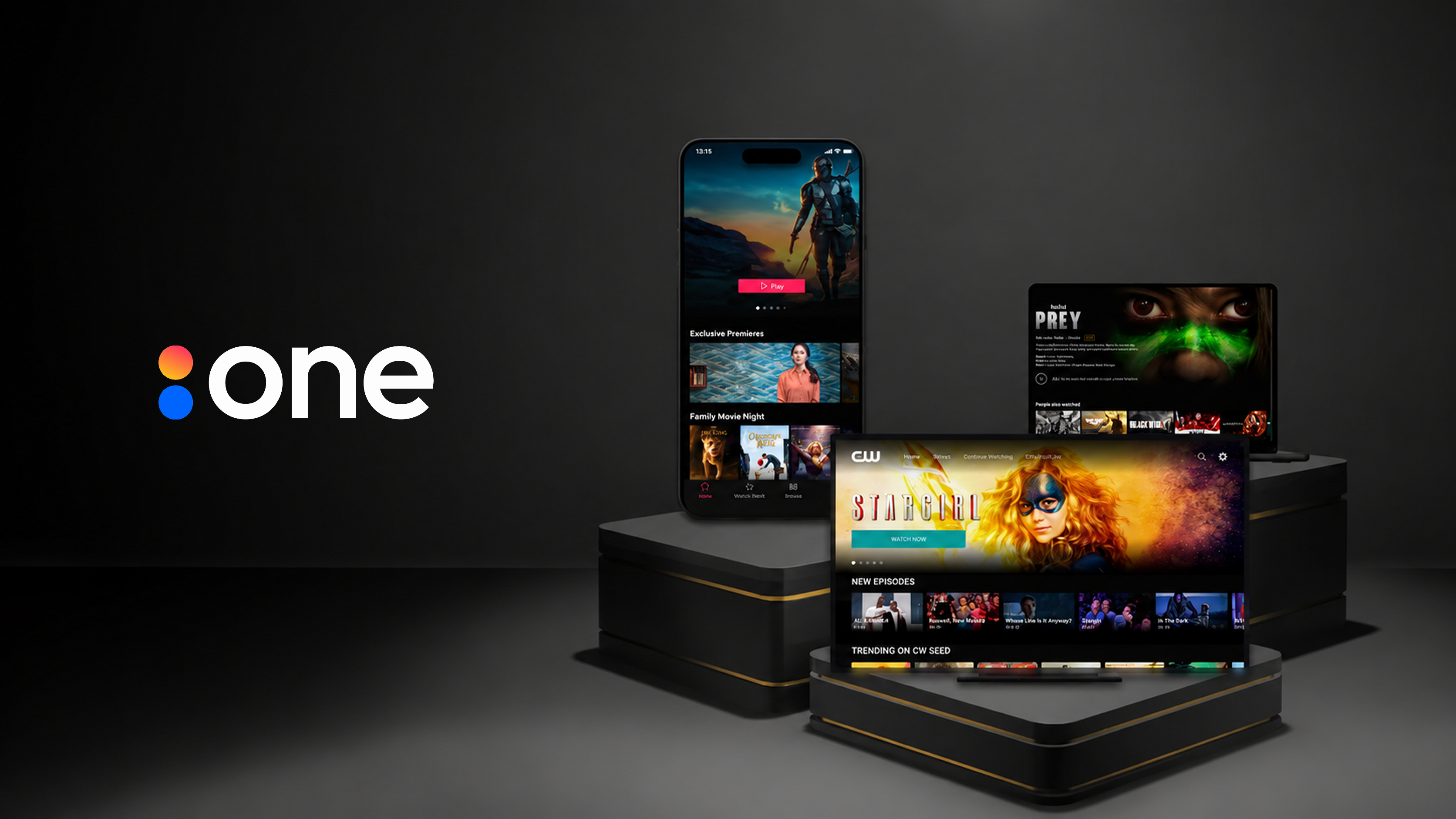
Accedo One
Improving workflows across Accedo One, a customer-facing streaming platform used to create, configure, and manage apps across mobile, web, and TV.
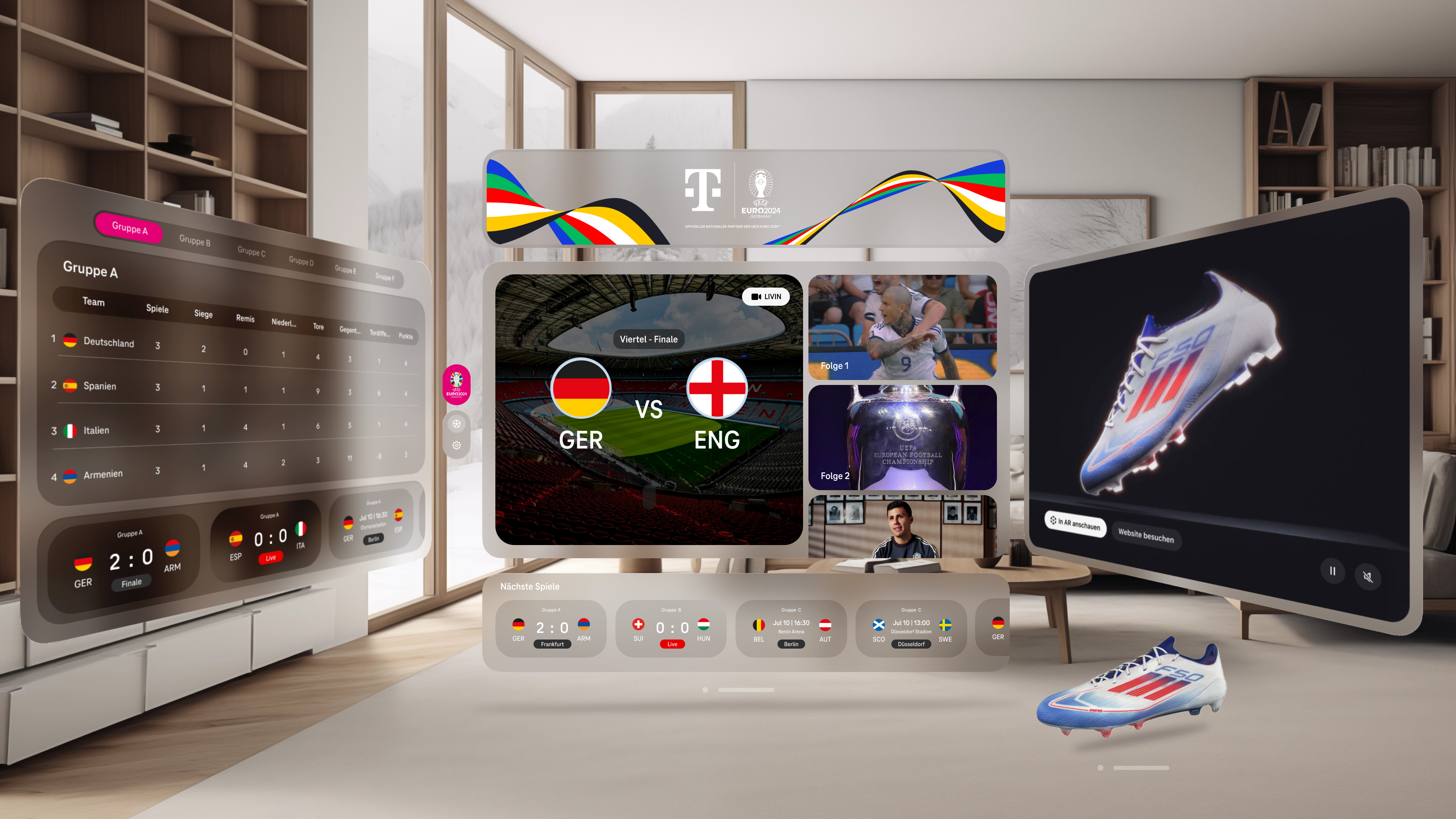
Deutsche Telekom - Virtual Reality Sports
A working live-sports XR experience for UEFA EURO 2024, designed across Meta Quest 3 and Apple Vision Pro in roughly three months.